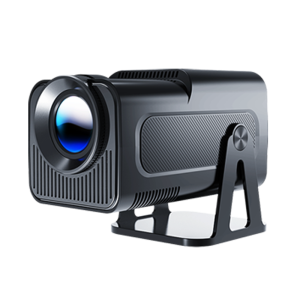
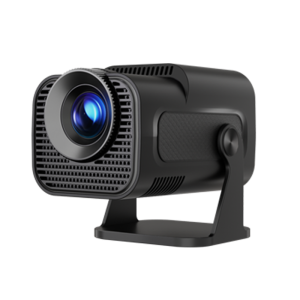
Why is the projector image not clear or out of focus?
If the image looks blurry or cannot be focused properly, please try the following steps:
1.Check the placement distance
Make sure the projector is placed within the correct throw distance range of 0.6 to 2.5 meters. If it’s too close or too far, the image may not focus correctly.
2.Move the projector slightly
Gently adjust the projector’s position (forward or backward) and see if the auto-focus feature improves the image clarity.
3.Update the projector to the latest version
Make sure your projector is running the latest firmware version, as updates often include performance improvements for focusing。
4.Try manual focus
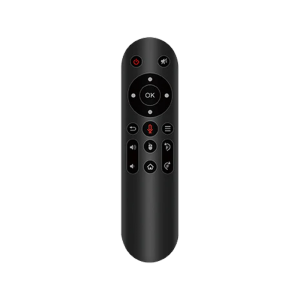
Use the focus buttons on the remote control to manually adjust the focus. Check if the lens moves in or out when you do this — this helps confirm that the focusing mechanism is functioning properly.
5.Avoid reflective surfaces
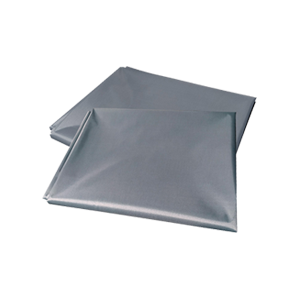
Avoid projecting onto shiny or reflective walls, as this can affect the camera’s ability to perform auto-focus. For the best viewing experience, we recommend using an anti-light (ALR) screen.